
EVENTS & TICKETING
From the first ticket sale to the last check-in, make your event website work for you.
I build and support WordPress event websites that bring your event information, ticket sales and attendee experience together. Whether you’re starting fresh or improving an existing site, I’ll help you choose and configure a setup that fits your event.

A clearer path from booking to check-in.
01 / TICKETS
Ticketing systems
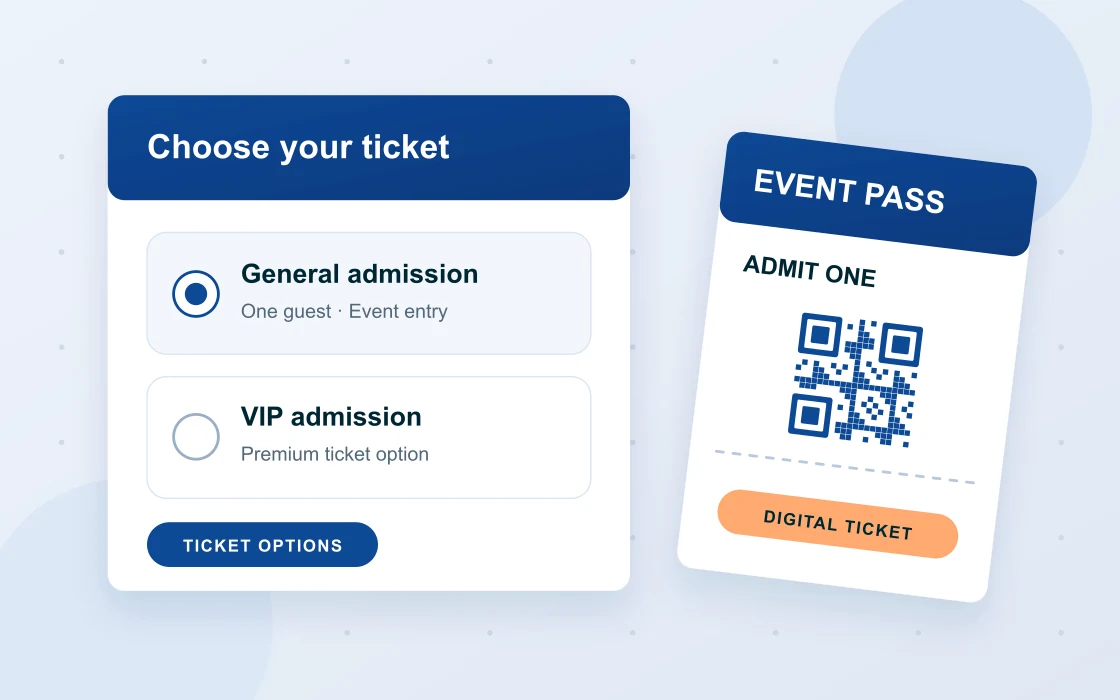
Set up ticket types, prices, capacity and sales windows around your event. General admission, early-bird, VIP or group bookings can be configured where the chosen ticketing system supports them.
02 / ARRIVAL
QR scanning & check-in
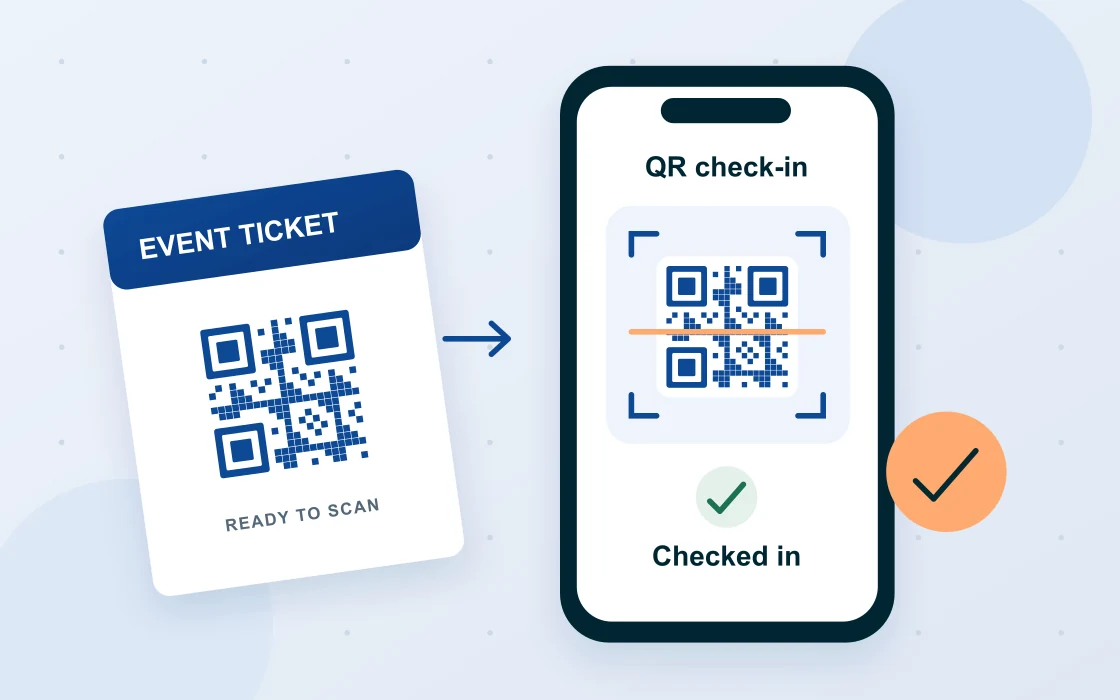
Give attendees a scannable ticket and your team a practical check-in process. With a compatible ticketing system, QR scanning can verify a booking, record arrival and flag tickets that have already been checked in.
03 / PAYMENTS
Payment gateways
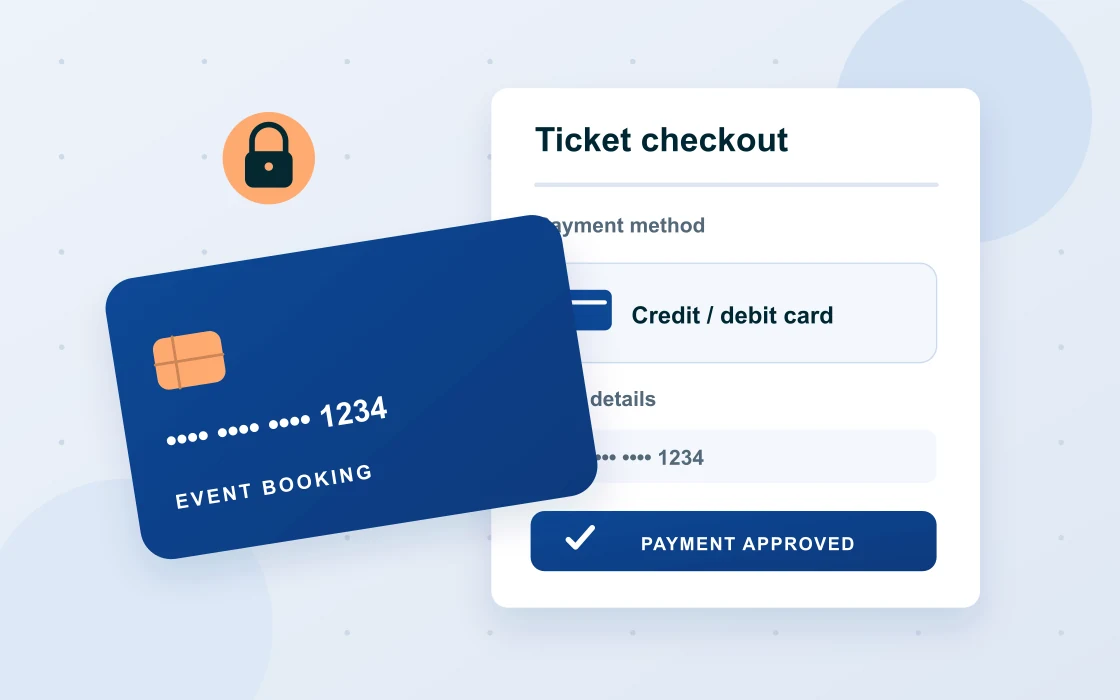
Connect a supported payment gateway and configure the checkout for your event. I’ll help test successful and failed payments, order confirmations and the refund workflow before ticket sales open.
04 / ATTENDEES
Ticket delivery & emails
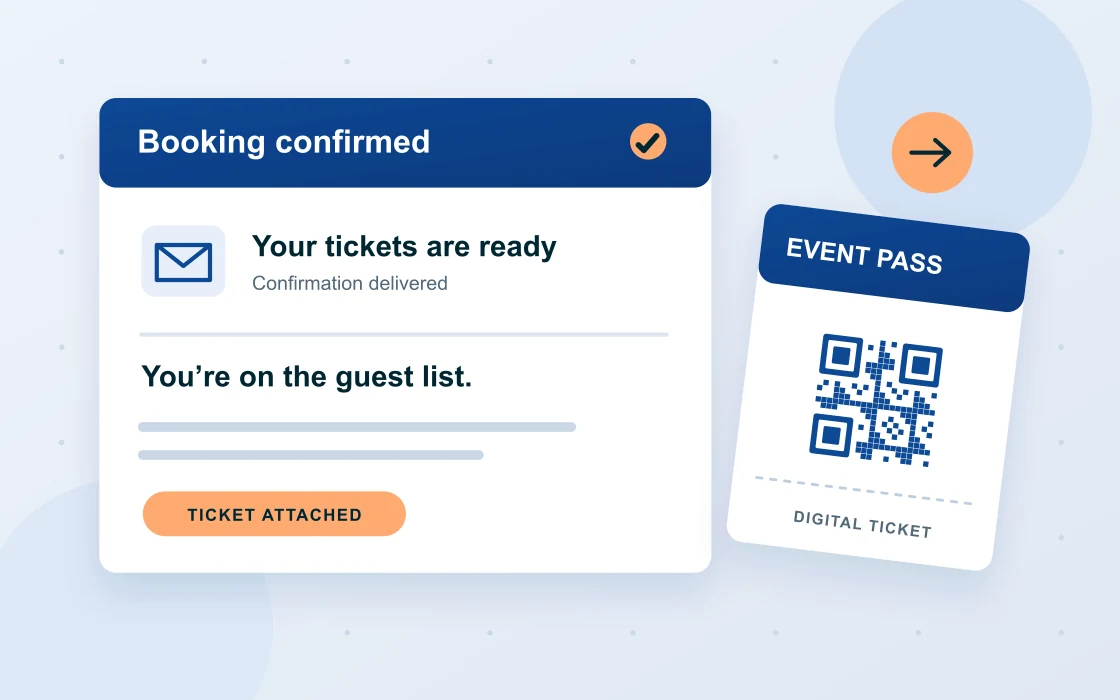
Make the next step clear after purchase. Configure ticket delivery and booking confirmations, with useful event details and clear instructions about where to go and what to bring.
05 / SEATING
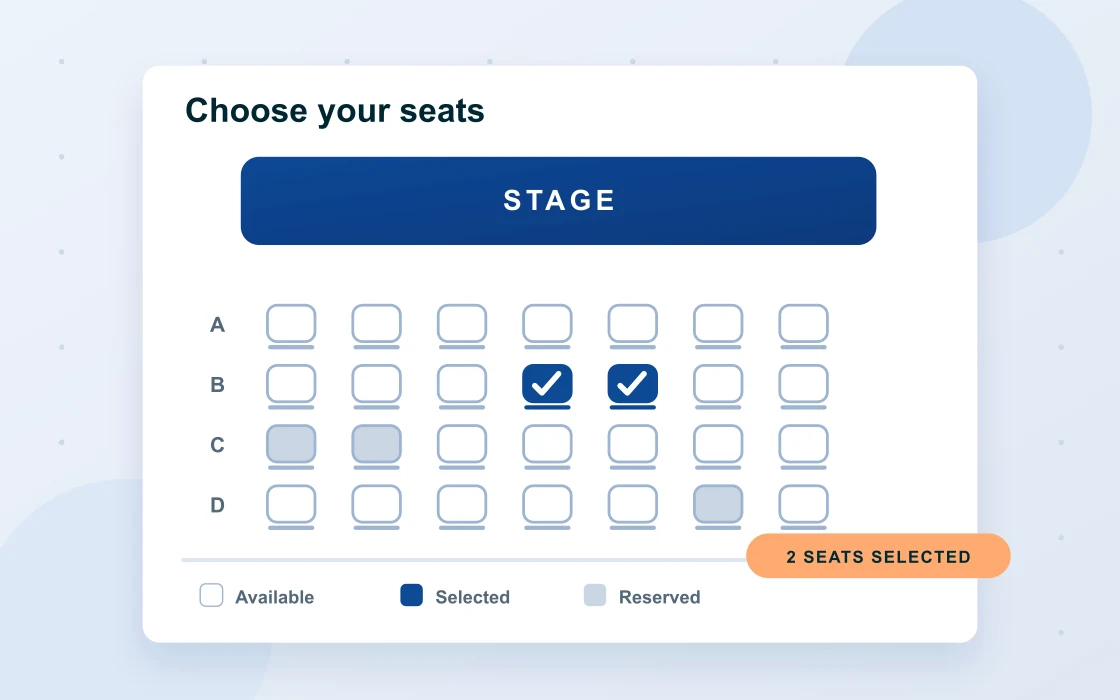
Seating & ticket options
For seated events, plan the seating chart and booking flow around your venue. We’ll confirm whether reserved seats, table bookings or multiple sessions need a compatible extension.
06 / INFORMATION
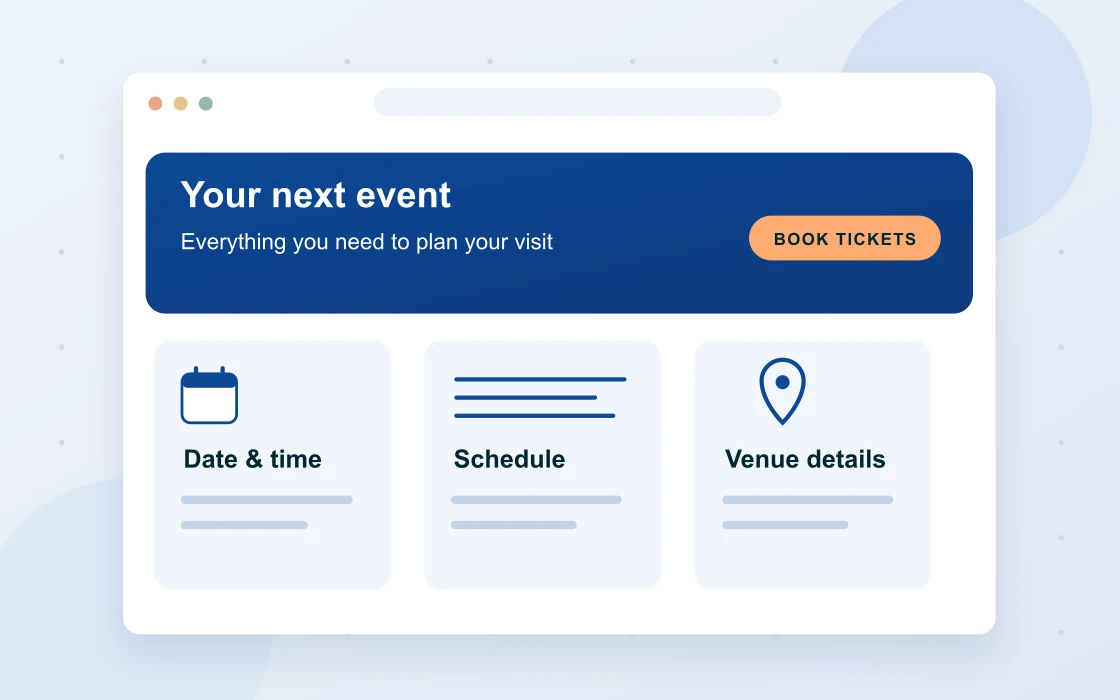
Event pages that answer questions
Keep dates, schedules, venue details, accessibility information and attendee FAQs easy to find. Give visitors what they need to decide, book and arrive prepared.
PLAN. CONFIGURE. TEST.
Get the details right before doors open.
01 / DISCOVERY
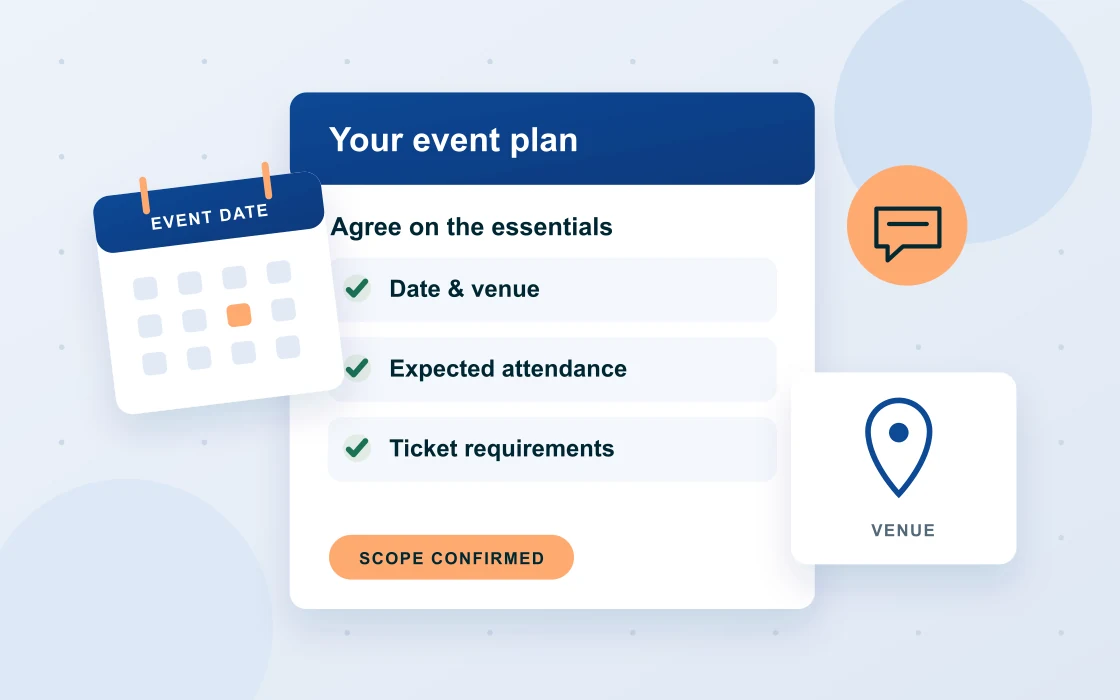
Start with your event
Tell me the event date, venue, expected attendance and ticket types. We’ll work through your sales, seating and check-in requirements, then agree on the scope and the tools needed.
02 / SETUP
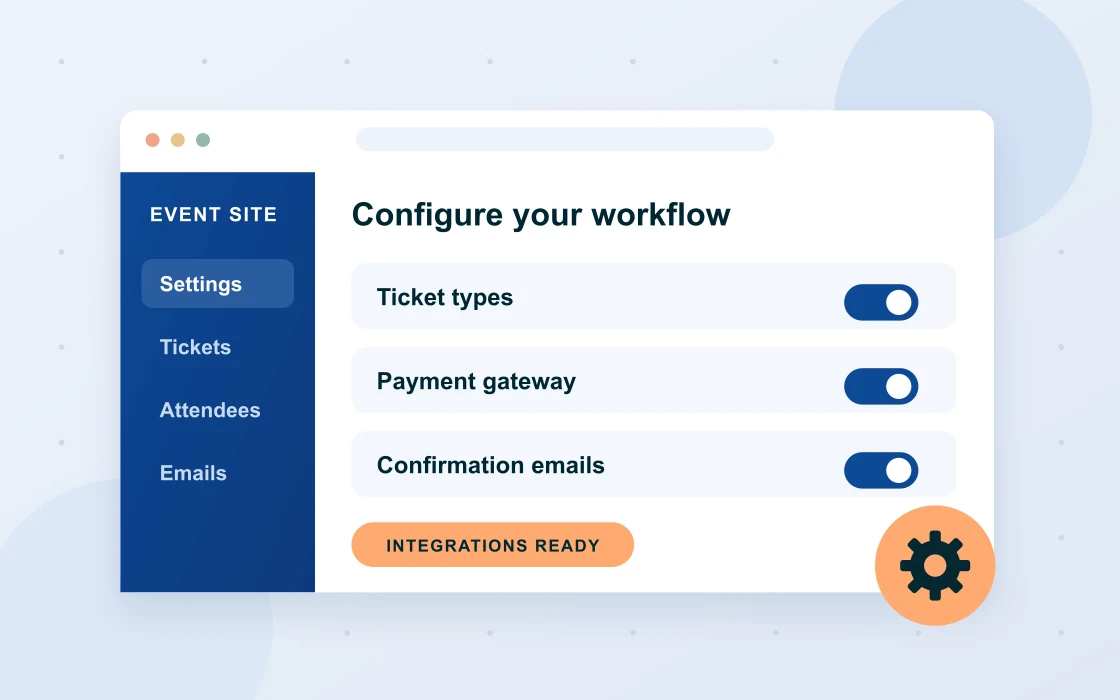
Build around your workflow
I’ll configure the website and agreed integrations, then walk you through managing tickets and attendee information. Gateway availability, extension costs and account requirements are checked during planning.
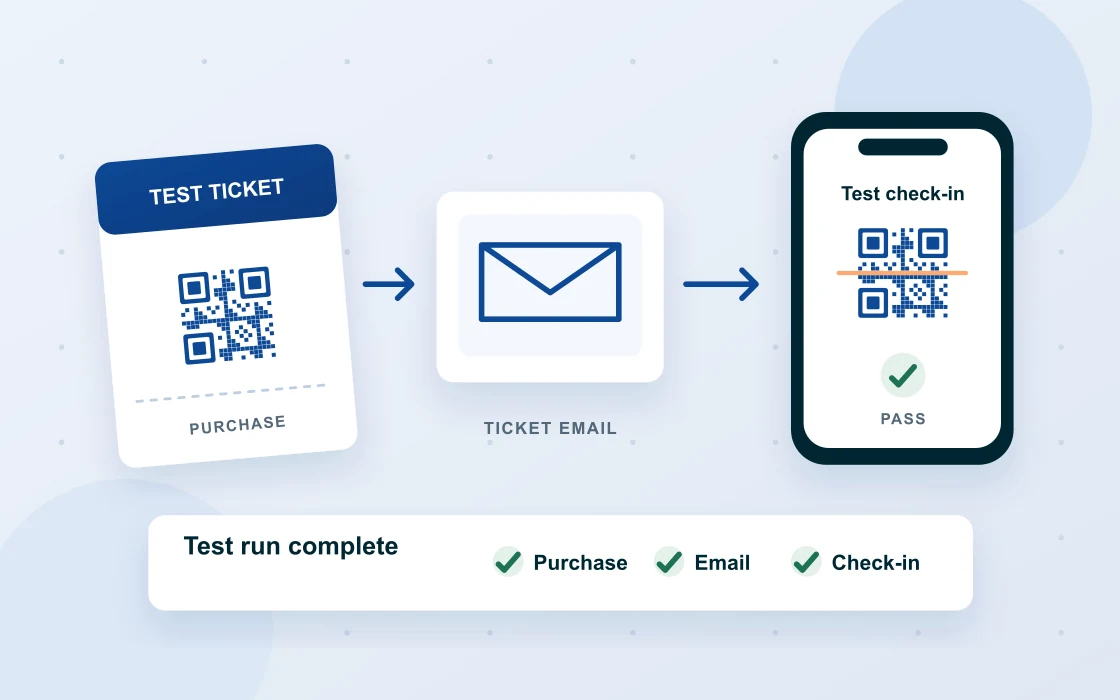
03 / REHEARSAL
Test the full journey
Run through buying a ticket, receiving the confirmation, scanning at the door and handling an invalid or previously used ticket. We’ll also check the mobile layout and confirm the agreed support arrangements.
NEW OR EXISTING WEBSITES
Support that keeps your event moving.
Need help with an existing event website? I can review the booking flow, improve the event pages and help resolve issues with the agreed ticketing setup.
For recurring events, we can discuss updates, backups and ongoing maintenance. Let’s agree on what support you need before, during and after the event.
LET’S GET STARTED
Let’s talk about your next event.
Tell me what you’re planning and how you want ticket sales and check-in to work. We’ll work out the right website setup together.